01
Procedural Backdrops
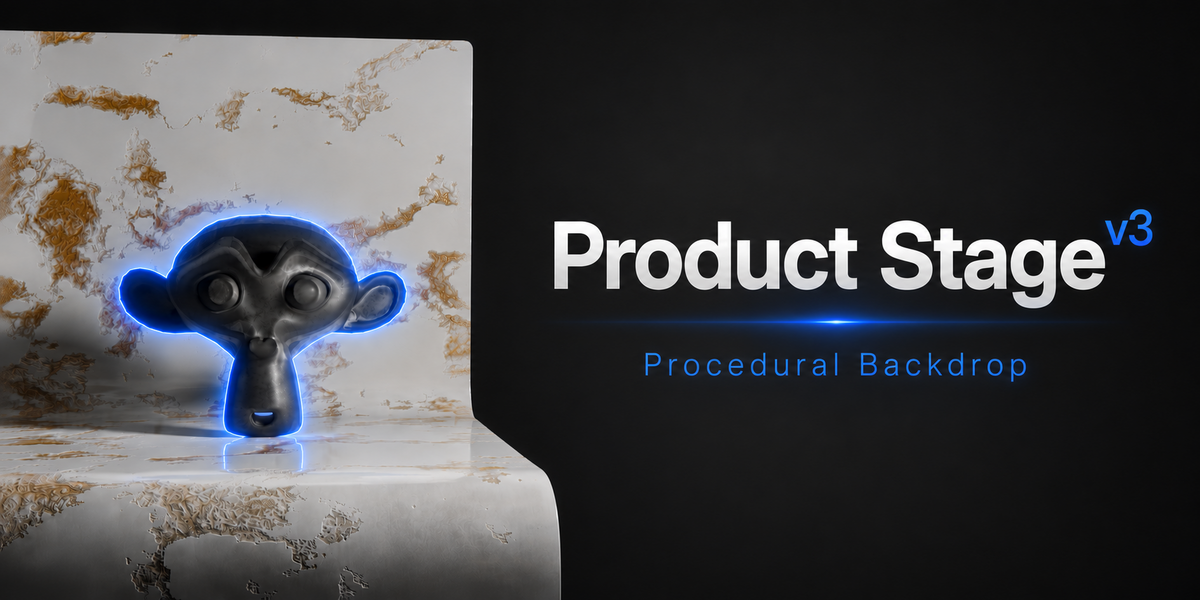
Generate planes, L-shaped backgrounds, cycloramas, stepped stages, cylinders, waves, and display platforms with adjustable proportions.
Blender Product
Build procedural stages, studio lighting, camera presets, render formats, and customizable materials for clean product renders.
Core Tools
01
Generate planes, L-shaped backgrounds, cycloramas, stepped stages, cylinders, waves, and display platforms with adjustable proportions.
02
Build polished lighting setups quickly with ready-to-use three-point lighting and softbox configurations for product rendering.
03
Frame your products faster using practical shot angles, focal lengths, depth-of-field settings, and render aspect presets.
04
Apply included materials such as marble, concrete, fabric, velvet, wood, and ice, then customize scale, tint, bump, and roughness.
Fast and Flexible
Product Stage helps artists, designers, and online sellers create clean product scenes without rebuilding studio environments from scratch.
Choose a stage, adjust its shape, apply a material, add lights, select a camera preset, and render.
What You Get
Use Cases
Product Stage is designed for clean product photography scenes inside Blender, ready for product renders and visual presentation workflows.
Compatibility
Blender
Compatible with Blender 4.x and 5.x.
Panel
Open the 3D View sidebar using N and select the Product Stage tab.
Product Stage - v3
Create clean product scenes in Blender with procedural backdrops, studio lights, camera presets, render formats, and bundled materials.